
Choose what you want to see
Build an overview with the blocks you need. Keep the controls you use most close at hand.
Create a personal overview for wherever you use One-Home. Your kitchen tablet can show something different from your phone or the wall panel in the hallway.
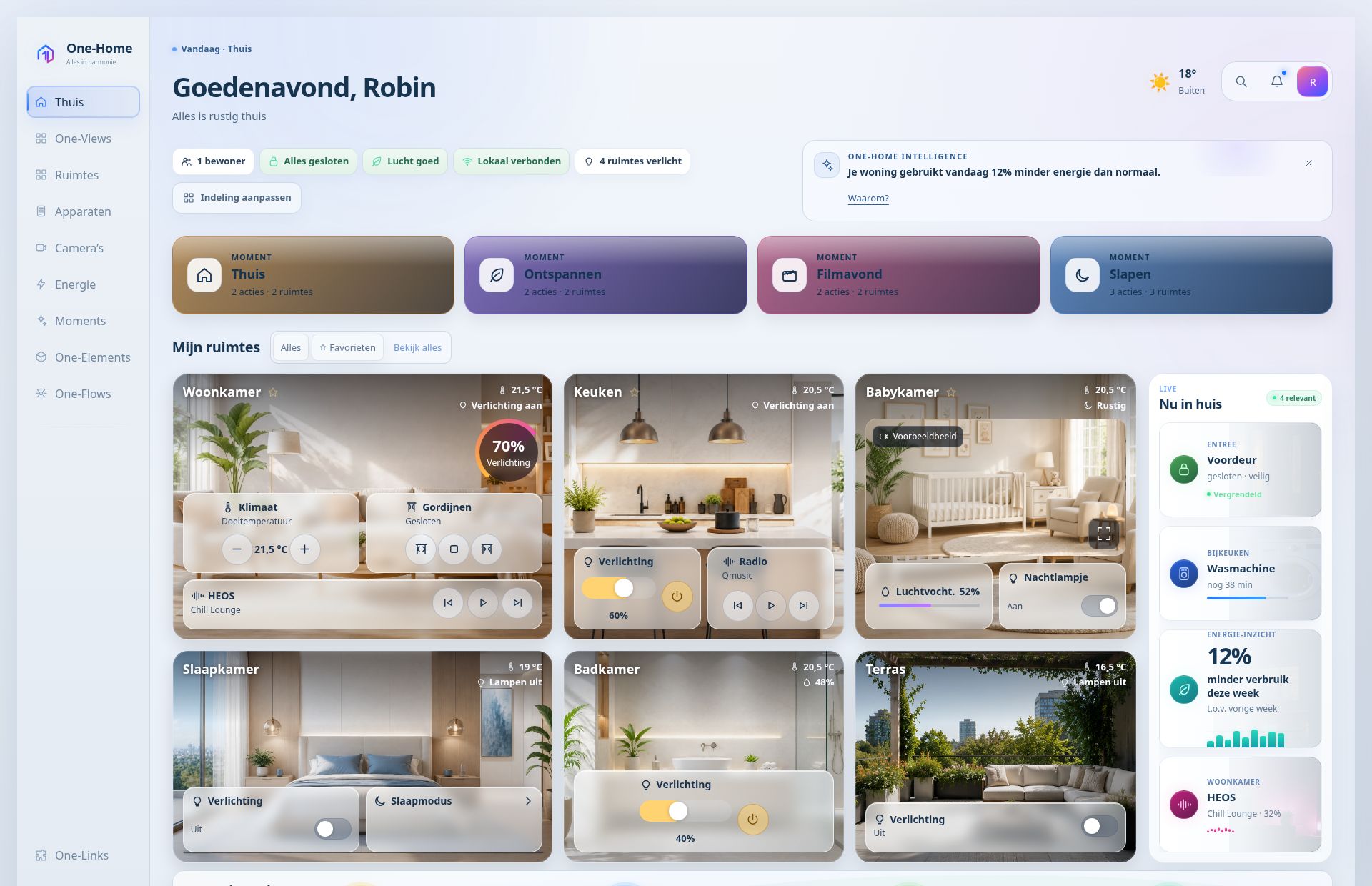
Build an overview with the blocks you need. Keep the controls you use most close at hand.
Give each device a recognisable name and choose its own start page, display mode and theme.
How to set up a screenMatch the look to the room. A calm evening view and a bright daytime screen are part of the same design.
A One-View helps you focus on what matters in that location. Your screen choices change the layout; access permissions still determine what someone can view and control.
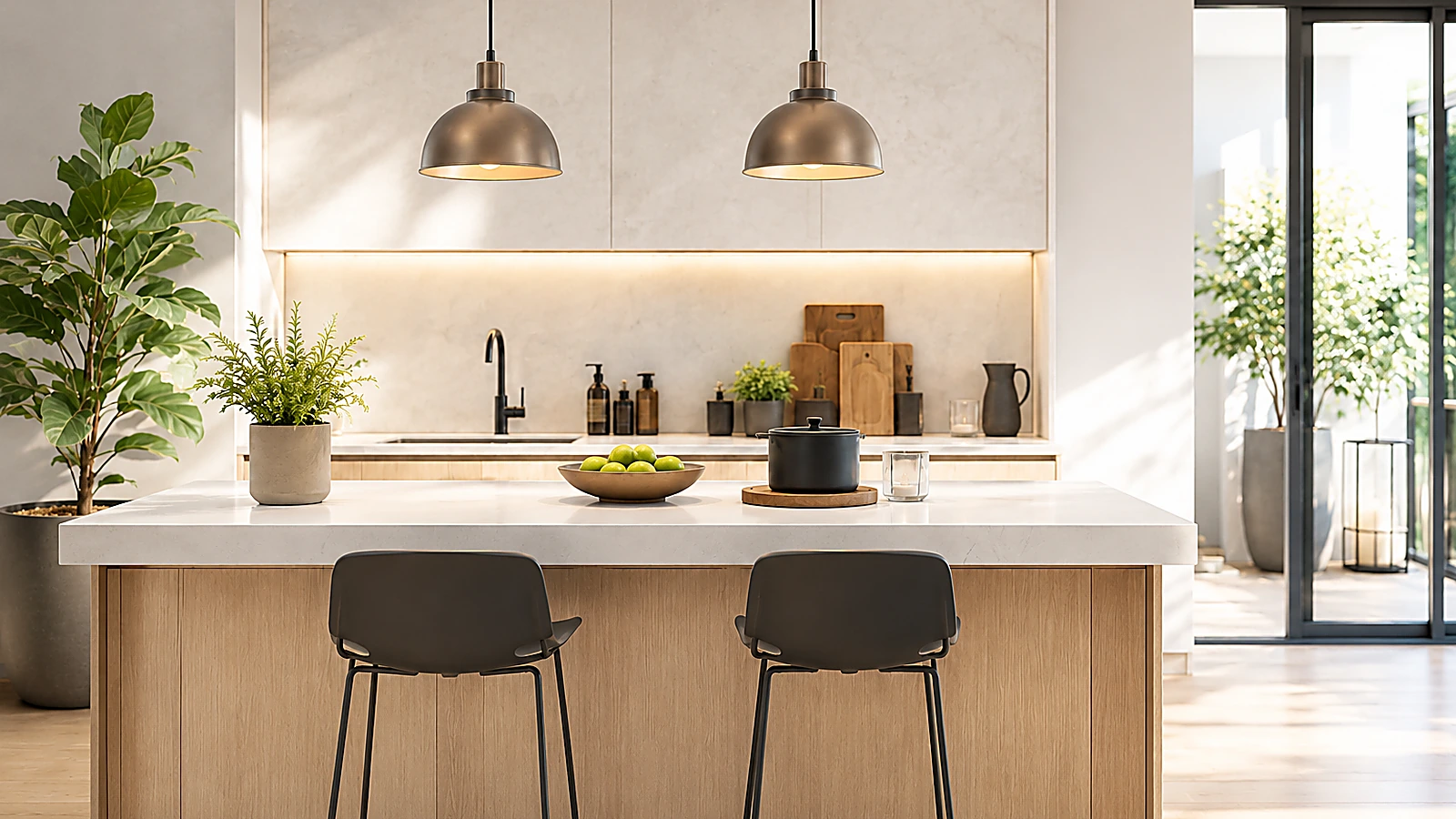
Choose a start page that suits this location.
Tell us about your home and what you want to connect. Together, we will explore where One-Home could begin for you.