 One-Home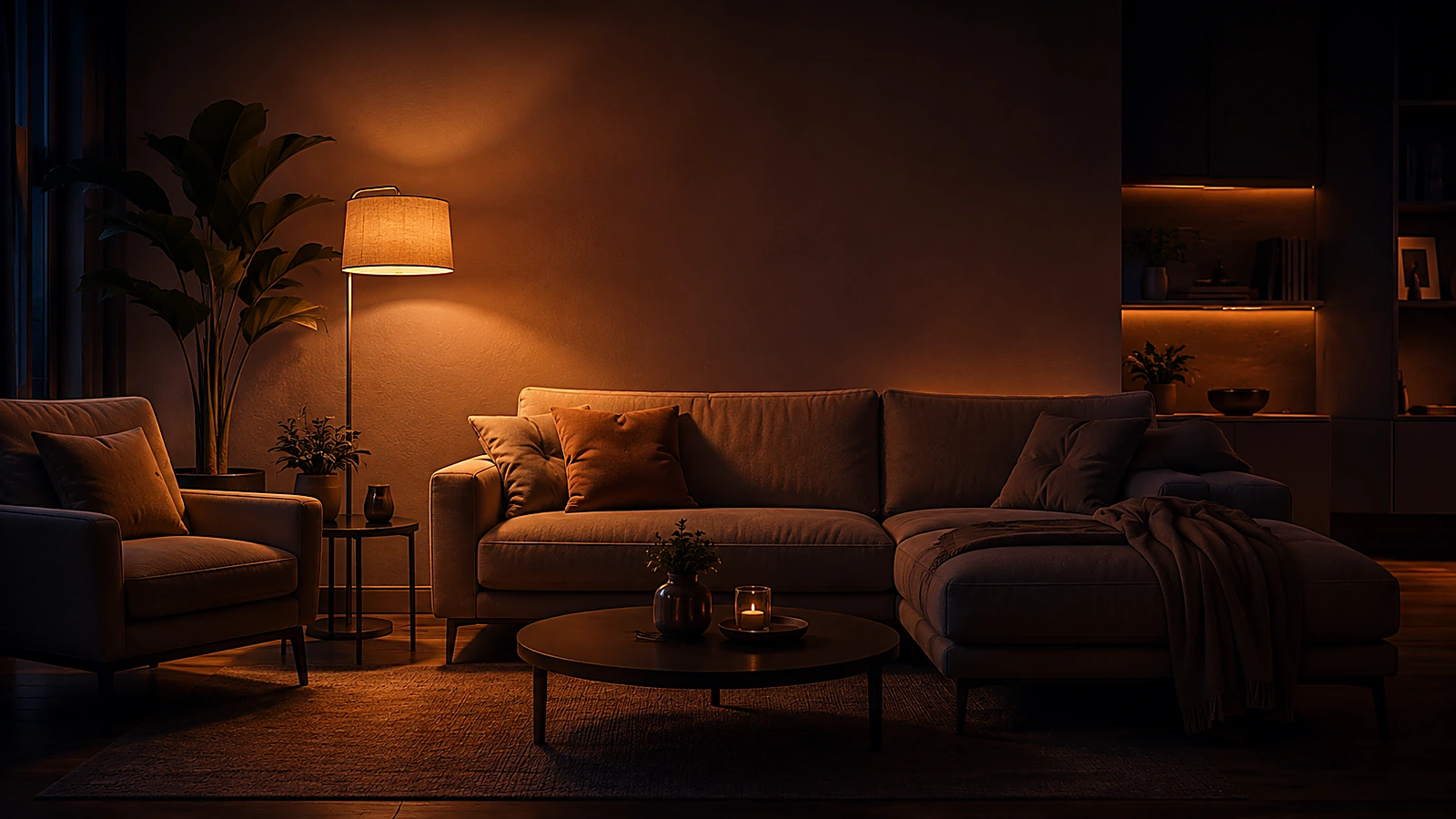
Set the evening with one tap.
Lighting, ambience and audio together in a Moment that suits you.
Discover MomentsFrom the first light to the last room. One-Home brings your smart home together in one calm, personal interface.
The foundation runs locally, in your home.
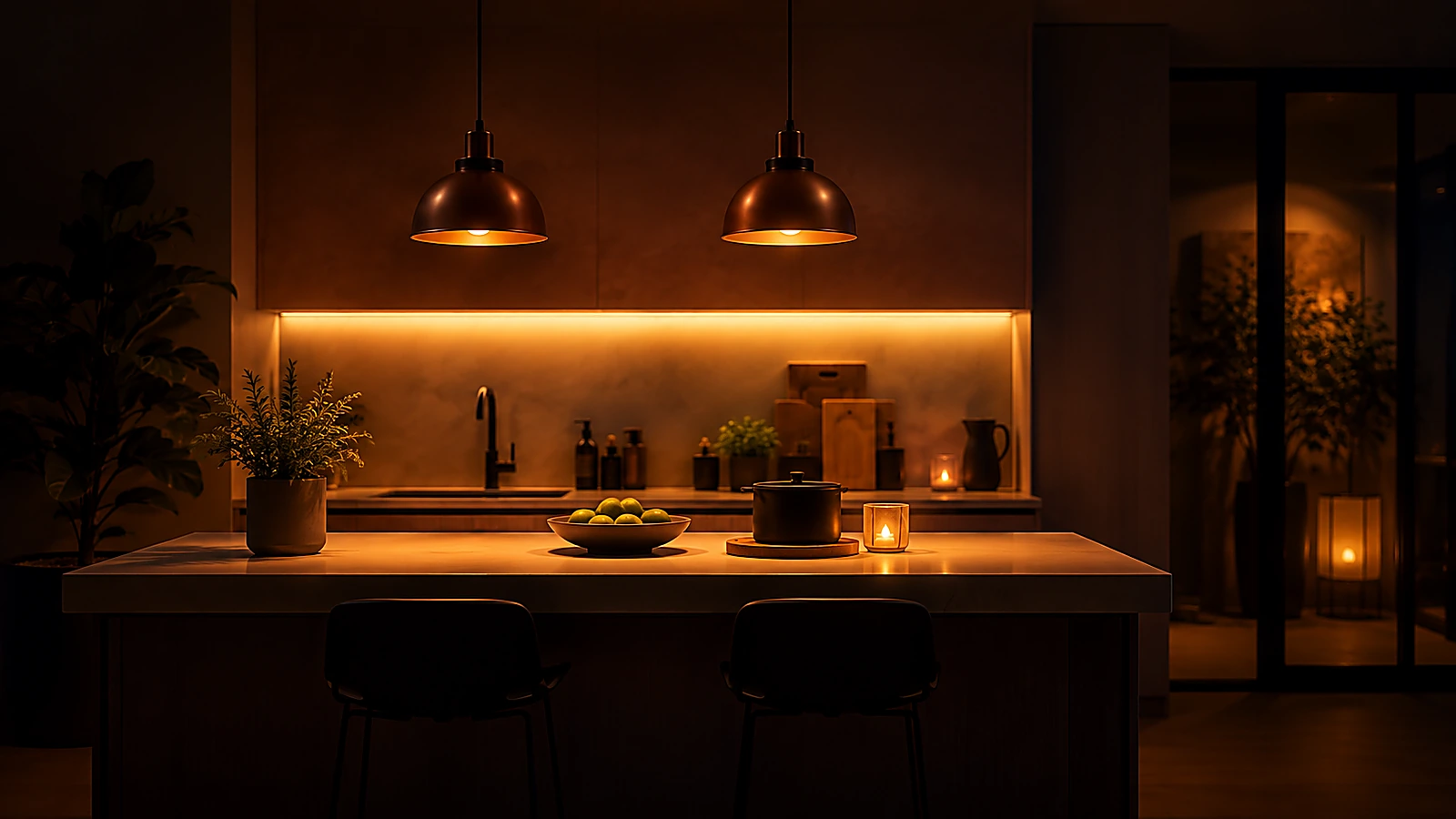
Lights on. Let the evening begin.
More than a collection of separate apps. Familiar controls for the things you use every day.
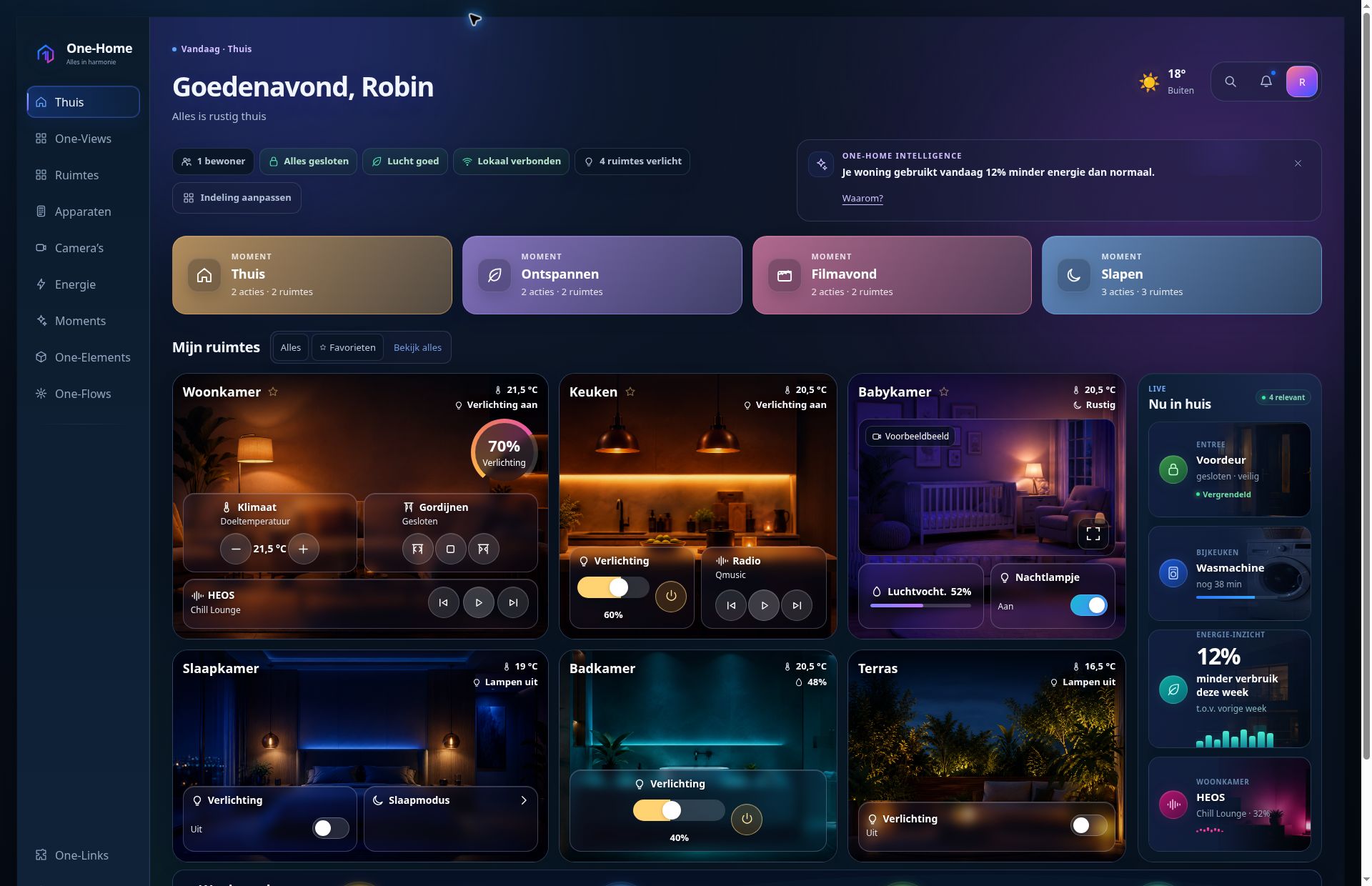
Real screens from the One-Home demo home.
Your rooms, favourite Moments and what needs attention now. In an overview you arrange yourself.
Lighting, ambience and audio together in a Moment that suits you.
Discover Moments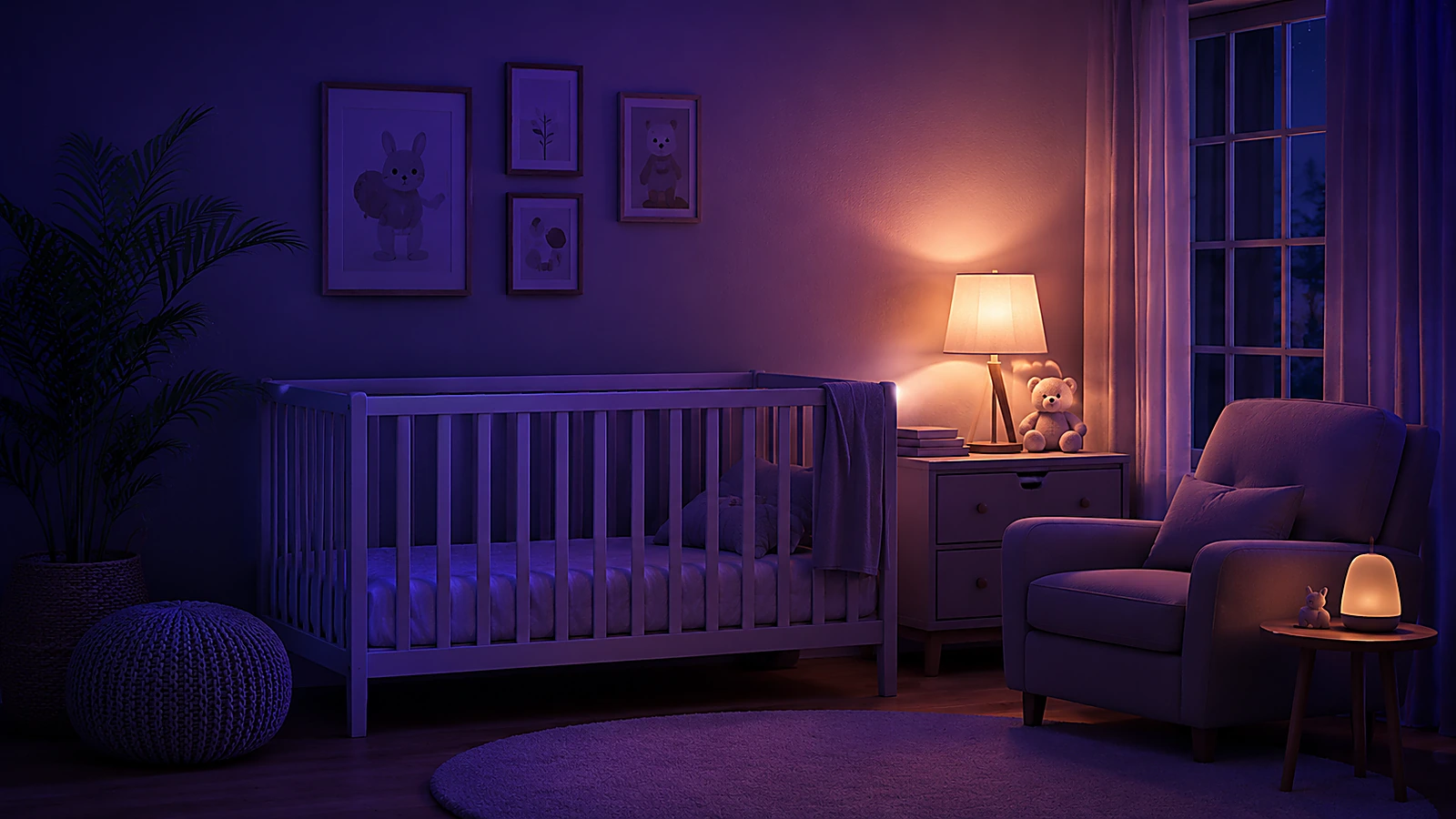
Your baby's camera feed, room temperature and audio in one calm place.
View Baby & cameras
A dedicated overview for the kitchen, your phone or your wall panel.
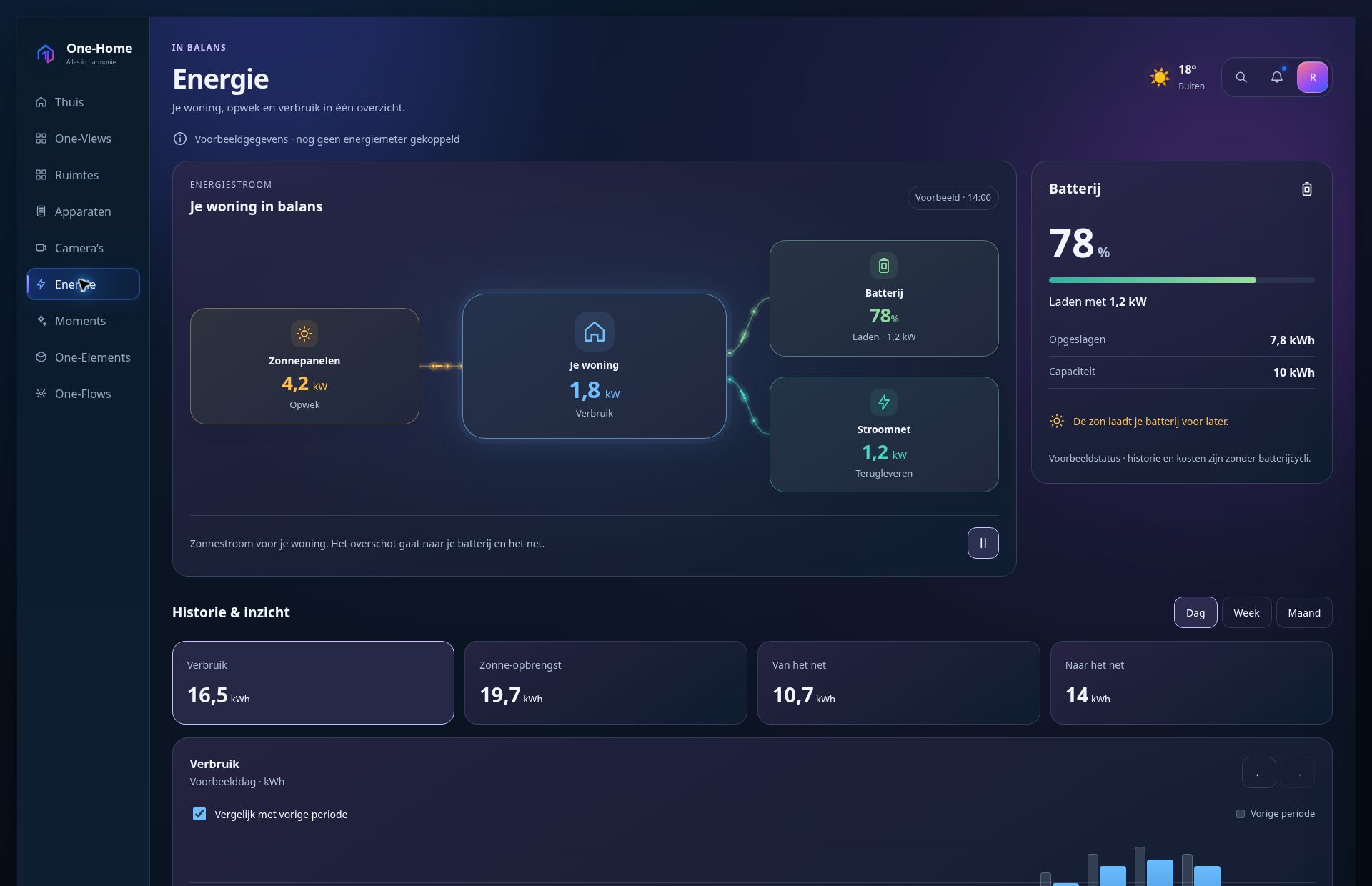
Discover One-ViewsSee how energy moves through your home. From your solar panels to your consumption, battery and the grid. Clear, lively and based on your connected readings.
One-Home Core runs on your own network. One-Links bring supported devices together; you decide who can see and control what.
Technology in the background. Your home comes first.
One-Links connect your equipment. We look at the brand, model and the features you actually want to use.
Capabilities vary by model and integration. Read the details under One-Links or ask us to check your equipment.
Try the controls, explore the rooms and get a feel for how One-Home works.
Which devices do you have? What would you like to make simpler? We will help you explore the options.
Set up your rooms and screens with the quick start guide and practical guides.
A few answers before you explore further.
More questions & answersNo. You are controlling a demo home with sample data. The demo does not use a real camera or microphone, or perform real access actions.
Yes. Your phone, tablet and wall panel can each use their own view and start page. These screen preferences are saved in the relevant browser.
The possibilities depend on the exact model, the One-Link and the controls you want. View One-Links or discuss your equipment with us.
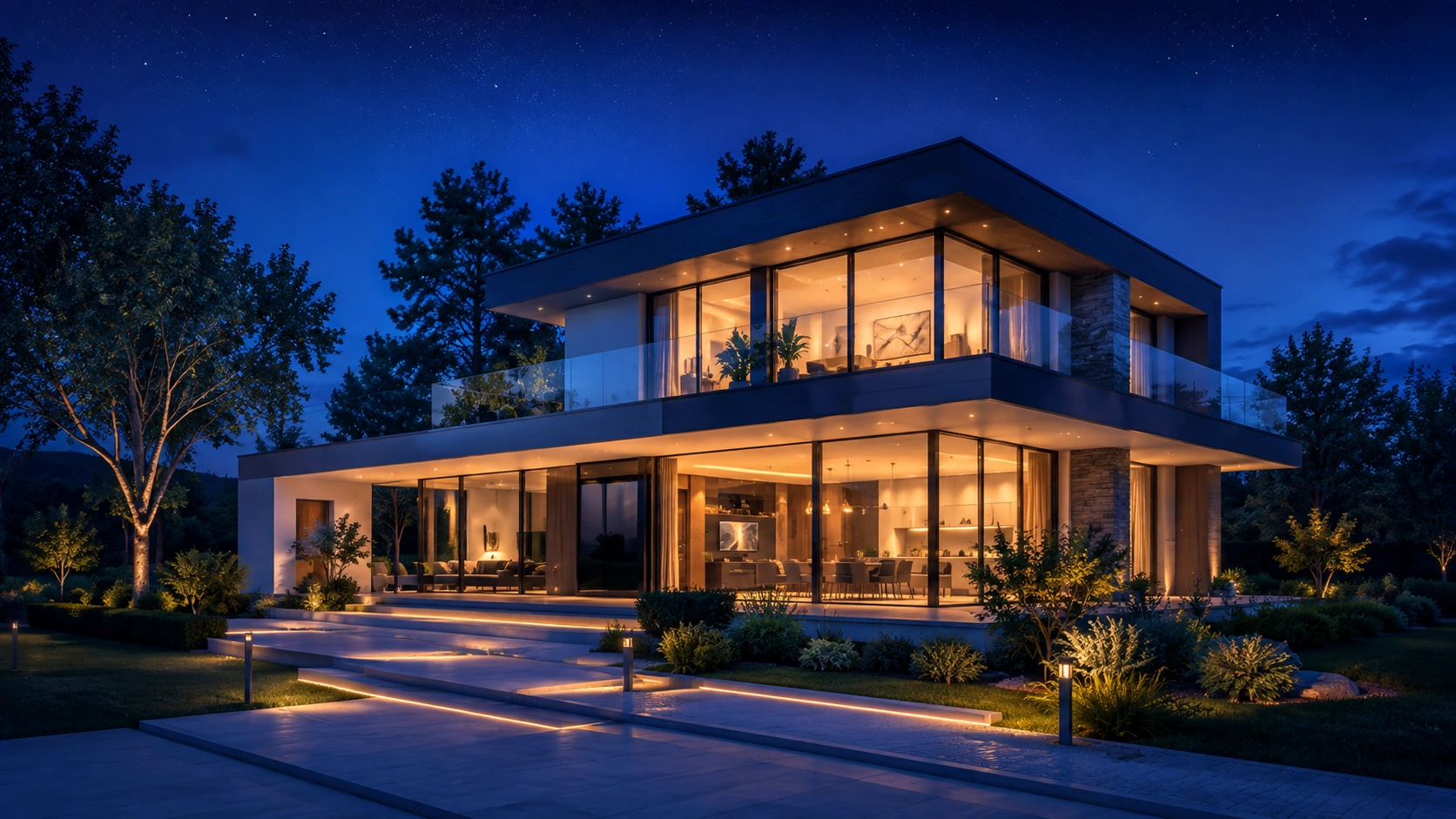
Tell us about your home and what you want to connect. Together, we will explore where One-Home could begin for you.